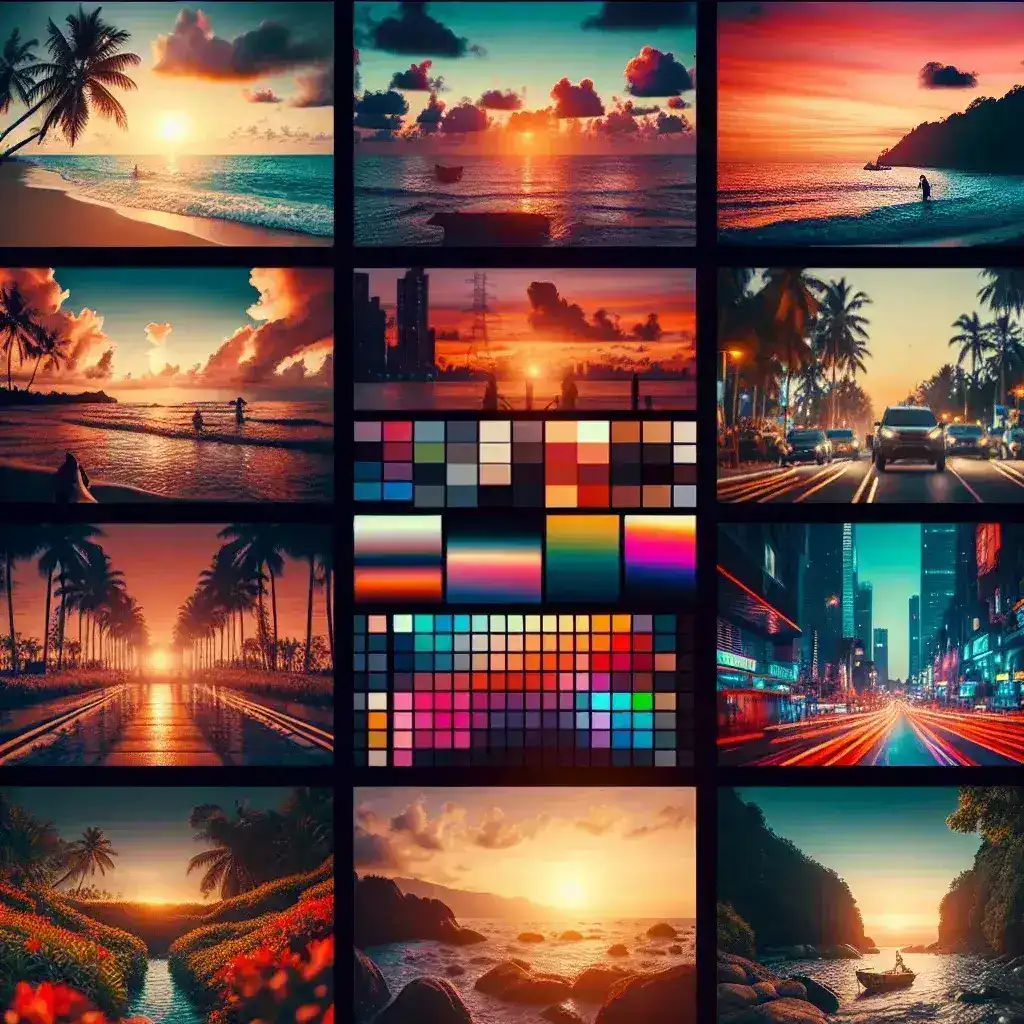
Color grading has become an essential component of modern video production, transforming ordinary footage into cinematic masterpieces. Look-Up Tables (LUTs) serve as powerful tools that can instantly enhance your videos with professional-grade color correction and stylistic effects. For content creators working on tight budgets, finding high-quality free LUT packs can be a game-changer in achieving that polished, professional look without expensive software or extensive color grading knowledge.
Understanding LUTs and Their Impact on Video Production
A Look-Up Table, commonly abbreviated as LUT, is essentially a mathematical formula that maps one color space to another. Think of it as a preset filter that applies specific color transformations to your footage. LUTs work by taking the input colors from your video and converting them to output colors based on predetermined values, creating consistent and repeatable results across different projects.
The beauty of LUTs lies in their simplicity and effectiveness. Whether you’re shooting with a DSLR, mirrorless camera, or smartphone, applying the right LUT can dramatically improve your footage’s visual appeal. From creating warm, golden hour aesthetics to achieving that coveted teal and orange blockbuster look, LUTs provide instant access to professional color grading techniques.
Top Sources for High-Quality Free LUT Packs
RocketStock’s Comprehensive Collection
RocketStock offers one of the most extensive collections of free LUTs available online. Their packs include everything from basic color correction LUTs to creative stylistic options. The 35 Free LUTs pack is particularly popular among beginners, featuring versatile options that work well across various shooting scenarios. These LUTs are professionally crafted and tested across multiple camera systems, ensuring consistent results.
IWLTBAP Free LUT Collection
The “I Want LUTs That Are Pretty” collection provides an excellent starting point for filmmakers seeking artistic color grades. This pack focuses on cinematic aesthetics with warm, film-inspired tones that work exceptionally well for narrative content. The LUTs in this collection are designed to emulate classic film stocks, providing that nostalgic, organic feel that many creators strive to achieve.
Color Grading Central’s Starter Pack
Color Grading Central offers a curated selection of LUTs designed specifically for different genres and moods. Their free starter pack includes 10 professional-grade LUTs covering everything from corporate video looks to dramatic thriller aesthetics. Each LUT comes with detailed descriptions and recommended use cases, making it easier for beginners to understand when and how to apply them effectively.
Specialized LUT Categories for Different Projects
Cinematic and Film-Inspired LUTs
For creators aiming to achieve that Hollywood blockbuster look, cinematic LUTs are essential. These typically emphasize teal and orange color schemes, high contrast, and desaturated mid-tones. Popular free options include the “Blockbuster” series and “Hollywood” packs, which can instantly transform your footage to match the visual style of major motion pictures.
Natural and Documentary-Style LUTs
Documentary filmmakers and those seeking authentic, natural looks benefit from LUTs that enhance reality without over-stylizing. These LUTs focus on accurate skin tones, balanced exposure, and subtle color enhancement. The “Natural” and “Realistic” LUT categories provide excellent options for corporate videos, interviews, and documentary work.
Creative and Artistic LUTs
For music videos, fashion content, and experimental projects, creative LUTs offer bold color choices and unique aesthetic approaches. These might include vintage film emulations, cross-processed looks, or contemporary Instagram-inspired filters. The key is finding LUTs that complement your creative vision while maintaining professional quality.
Installation and Application Best Practices
Software Compatibility
Most free LUT packs come in .cube format, which is compatible with virtually all major video editing software including Adobe Premiere Pro, Final Cut Pro, DaVinci Resolve, and Avid Media Composer. Some providers also offer .3dl formats for specific software requirements. Always check the format compatibility before downloading to ensure seamless integration with your workflow.
Proper Installation Techniques
Installing LUTs varies slightly between different software platforms, but the general process remains consistent. In Adobe Premiere Pro, navigate to the Lumetri Color panel, click on the “Creative” tab, and browse to your LUT folder. For DaVinci Resolve, access the Color page, right-click in the LUT browser, and select “Open LUT Folder” to add your new LUTs.
Application Guidelines
Effective LUT application requires understanding that LUTs are starting points, not final solutions. Always shoot in a flat or log profile when possible, as this provides the maximum dynamic range for color grading. Apply your chosen LUT at approximately 70-80% strength initially, then fine-tune using additional color correction tools to achieve the perfect look for your specific footage.
Optimizing LUT Performance for Different Camera Systems
DSLR and Mirrorless Cameras
When working with footage from Canon, Sony, or Nikon cameras, consider LUTs specifically designed for these systems. Many free LUT packs include camera-specific versions that account for the unique color science of different manufacturers. This ensures more accurate color reproduction and better starting points for further grading.
Smartphone and Action Camera Footage
Mobile filmmaking has exploded in popularity, and many LUT creators now provide options optimized for smartphone footage. These LUTs account for the typically more saturated and processed look of mobile cameras, providing subtle corrections that enhance rather than overwhelm the existing image quality.
Advanced Tips for Professional Results
Layering and Combining LUTs
Advanced colorists often combine multiple LUTs to achieve unique looks. Start with a technical LUT for color correction, then apply a creative LUT at reduced intensity for stylistic enhancement. This layered approach provides more control and often yields superior results compared to relying on a single LUT.
Custom Modifications
Don’t hesitate to modify free LUTs to better suit your needs. Most video editing software allows you to adjust LUT intensity, combine them with other color correction tools, and save custom presets. This approach lets you build a personalized library of looks that reflect your unique style while starting from proven foundations.
Building Your LUT Library Strategically
Successful colorists maintain organized LUT libraries categorized by style, mood, and application. Create folders for different project types such as “Corporate,” “Cinematic,” “Documentary,” and “Creative” to streamline your workflow. Regularly review and cull your collection, keeping only the LUTs that consistently deliver results for your specific needs.
Testing and Quality Assurance
Before incorporating any new LUT into client work, test it thoroughly across different types of footage. Pay particular attention to skin tone reproduction, shadow detail retention, and highlight rolloff. Quality free LUTs should enhance your footage without introducing artifacts or unnatural color shifts.
Future-Proofing Your Color Grading Workflow
As video technology continues evolving, stay informed about new LUT formats and color space standards. HDR content requires specialized LUTs designed for wider color gamuts, and many creators are beginning to offer HDR-compatible versions of their popular LUT packs. Investing time in understanding these emerging standards will keep your color grading skills relevant and competitive.
Community and Continuous Learning
Engage with online color grading communities, forums, and social media groups where professionals share techniques, LUT recommendations, and workflow tips. Many experienced colorists regularly release free LUTs as community contributions, providing access to professional-grade tools that would otherwise cost hundreds of dollars.
Conclusion: Maximizing Creative Potential with Free Resources
The availability of high-quality free LUT packs has democratized professional color grading, making cinematic looks accessible to creators at every level. By understanding how to source, install, and apply these tools effectively, you can dramatically improve your video production quality without significant financial investment. Remember that LUTs are creative starting points that should be combined with solid technical knowledge and artistic vision to achieve truly outstanding results.
Whether you’re just beginning your color grading journey or looking to expand your creative toolkit, the free LUT resources available today provide an excellent foundation for developing professional-quality visual content. Take time to experiment with different styles, understand how various LUTs affect your footage, and gradually build a personalized collection that supports your unique creative vision.

Leave a Reply